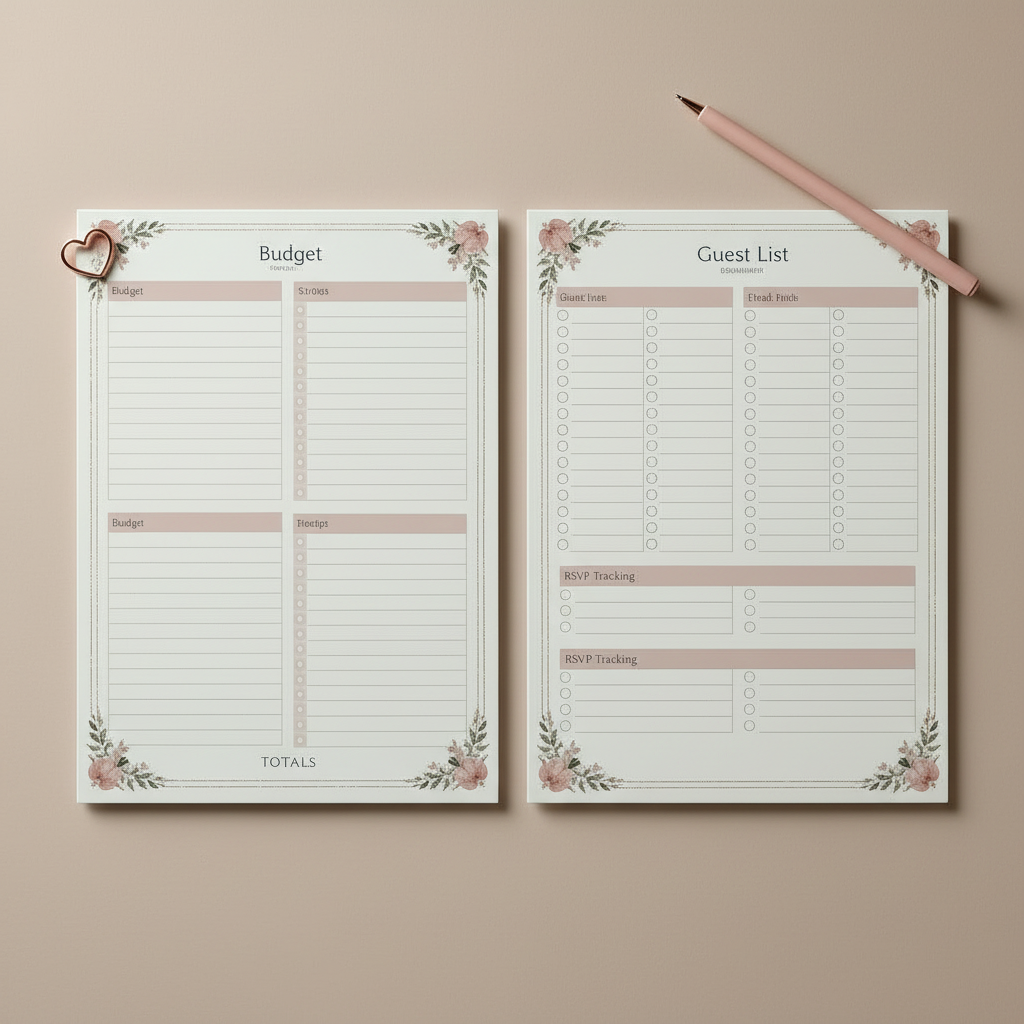
Top 10 Event Planning Tools
The Right Tools Make Planning Feel Lighter
Event planning has a lot of moving parts: guest lists, budgets, vendors, timelines, communication, and the day-of schedule.
The best tools don’t just keep you organized; they reduce decision fatigue and help you stay consistent from the first idea to the final cleanup.
Below are 10 practical tool categories (with examples) you can mix and match based on your event type. (You don’t need all 10. Start with the ones that solve your biggest pain point.)
1) Budget Tracker
A budget tool should track estimated vs. actual, due dates, and payment status.
What to look for:
- Category totals
- Automatic math
- Notes/links to vendors
- A simple way to mark paid vs still due
Examples:
- Google Sheets or Excel
- Dedicated event budget templates
2) Master Checklist + Timeline
This is where tasks live and where you prevent last-minute surprises.
What to look for:
- Due dates
- Priority labels
- Recurring tasks
- A next 7 days view (so you’re not staring at a giant list)
Examples:
- Trello, Asana, ClickUp
- A printable planning checklist
3) Guest List + RSVP Management
A guest tool should help you track invites, RSVPs, meal choices, plus-ones, and notes.
What to look for:
- RSVP status dashboard
- Dietary notes
- Easy export for seating
Examples:
- Google Sheets (simple and flexible)
- Online RSVP platforms (great for larger events)
4) Seating Chart Builder
Seating is one of the most time-consuming parts of planning – a tool makes it faster.
What to look for:
- Drag-and-drop tables
- Guest tags (family, friends, coworkers)
- Printable layouts
Examples:
- Seating chart apps
- Spreadsheet + table map (DIY)
5) Vendor Contact Hub
You need one place for vendor info so you’re not searching your inbox on event day.
What to look for:
- Contact names + numbers
- Arrival times
- Payment status
- Notes like load-in door and who to ask for
Examples:
- A single Google Doc
- A CRM-style notes app
6) Design + Invitation Tool
This helps you create cohesive invites, signage, menus, and social graphics.
What to look for:
- Editable templates
- Matching sets (invite + menu + sign)
- Easy printing options
Examples:
- Canva
- Template marketplaces
7) Collaboration + Communication Tool
If multiple people are helping, you need a shared place for updates.
What to look for:
- Comments
- File sharing
- Clear assignments
- One source of truth (so you’re not coordinating across 5 group chats)
Examples:
- Slack group chat
- Shared Google Drive folder
8) Day-of Run of Show Template
This is your execution blueprint, minute-by-minute.
What to look for:
- Cue columns (music, speeches, transitions)
- Vendor arrival schedule
- Role assignments
- Buffer time built in
Examples:
- A run-of-show Google Doc
- Printable coordinator sheets
9) Photo Sharing + Memory Capture
A simple system for collecting guest photos makes your event memories richer.
What to look for:
- Easy upload
- QR code access
- Shared album
Examples:
- Google Photos shared album
- Dropbox folder
10) Event Website or Info Hub
Even small events benefit from one link with all the details.
What to look for:
- Schedule
- Location + directions
- RSVP link
- FAQs
Examples:
- Simple event landing page
- Wedding/event website platforms
Quick Picks by Event Type (simple stacks that work)
Birthday/party (20 50 guests): budget sheet + checklist + RSVP tracker + Canva
Wedding: RSVP tool + seating chart + run-of show + photo sharing
Corporate event: project management tool + vendor hub + run-of show + post-event survey
Final Thought
The best event planning toolset is the one you’ll actually use.
Start with a budget tracker and a checklist, then add tools only when they solve a real problem.
One More Thing
If you would like our free Event Starter Kit PDF – timeline, budget, and RSVP tracker included. Download it in under a minute and start planning with a clear path (not a pile of tabs).
Want more free templates and planning tips? Sign up for our newsletter and you’ll be first to hear when new downloads drop.